Welcome to deBlock
To submit your paper to the international DBlock event, simply follow these steps:
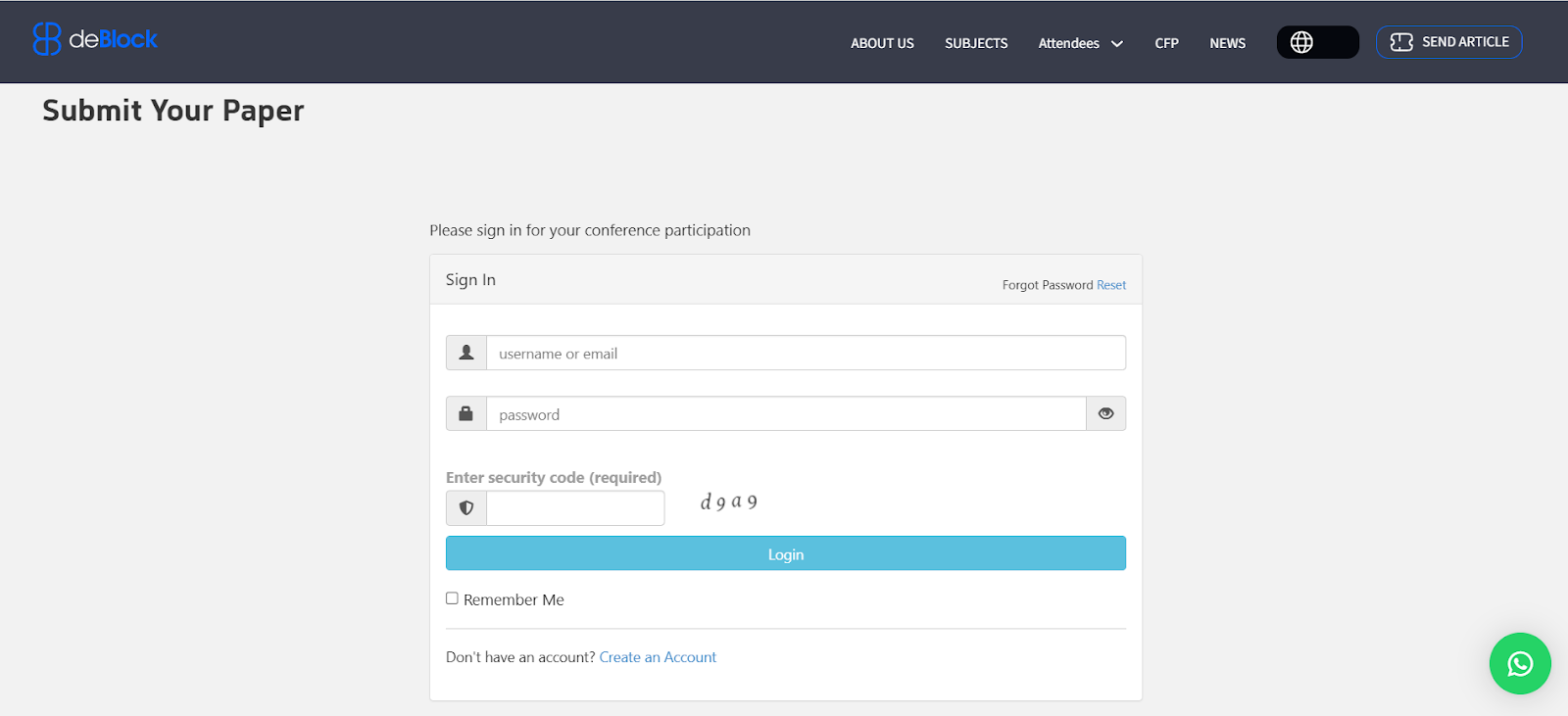
1-Visit the deBlock website at the address below and look for the “Submit Paper” option in the top right corner.
www.deblocksummit.org

2- To create an account, click on the “Create an Account” option.
3- At this stage, you need to enter information such as your first and last name, email, etc., and create a password for your account. Finally, click the “Register” button to proceed to the next step.

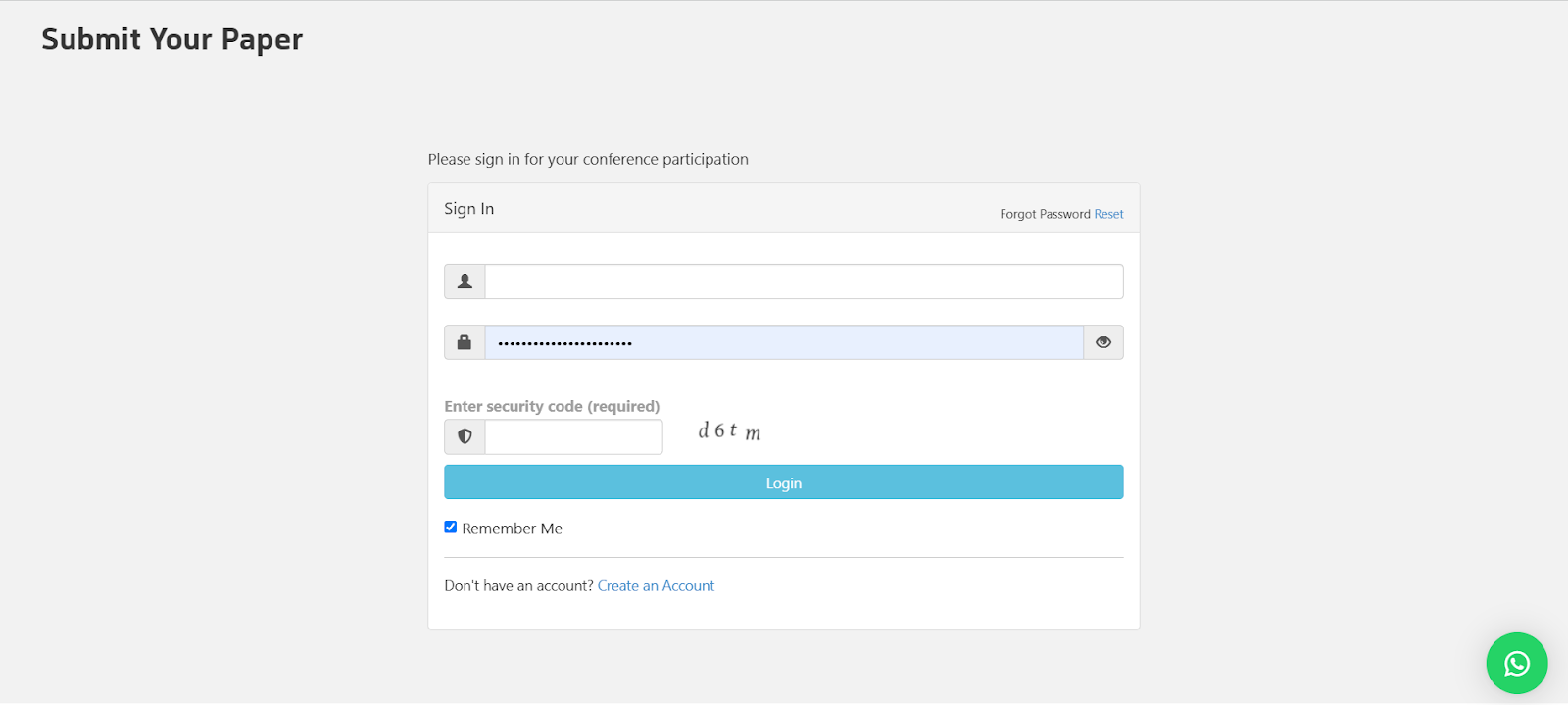
4- You will now return to the login page where you should enter the email and password you selected to access your profile.
5- The “Submit your paper” page will now be displayed. Here, you need to click on the “New Abstract” option to proceed to the next page.
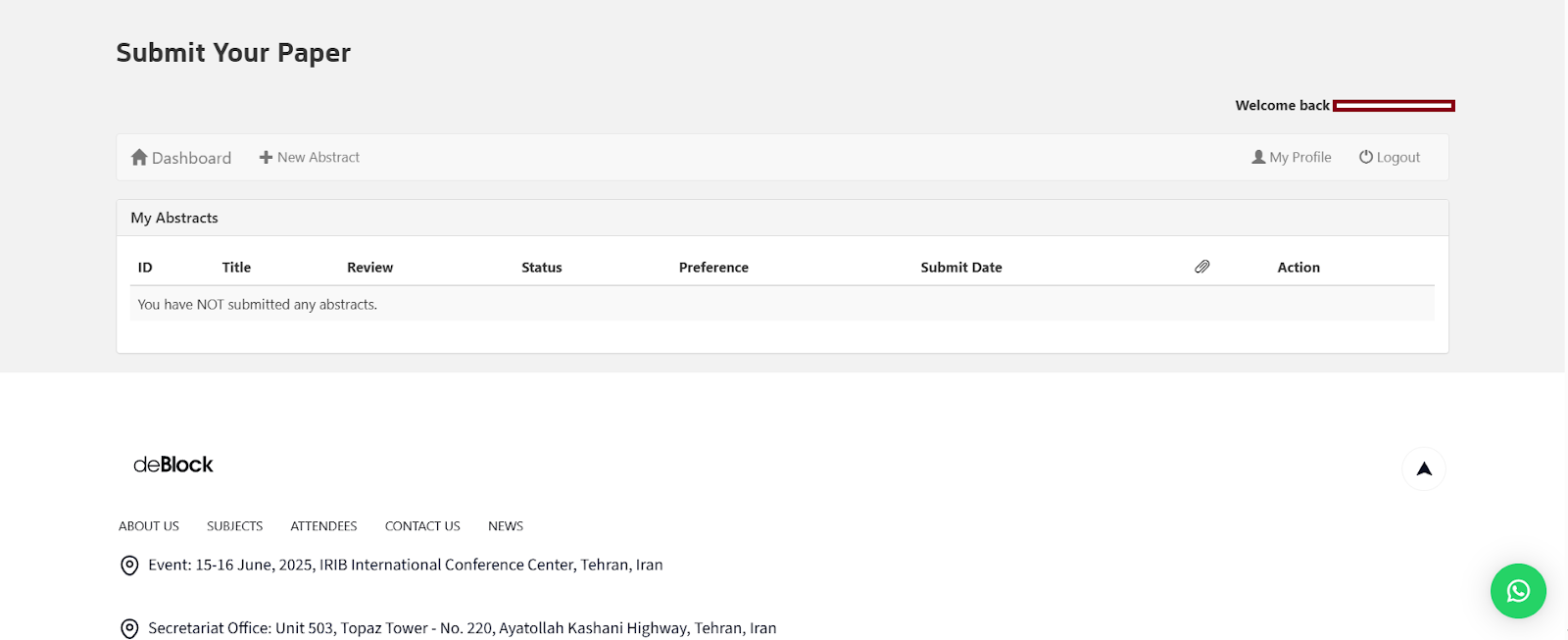
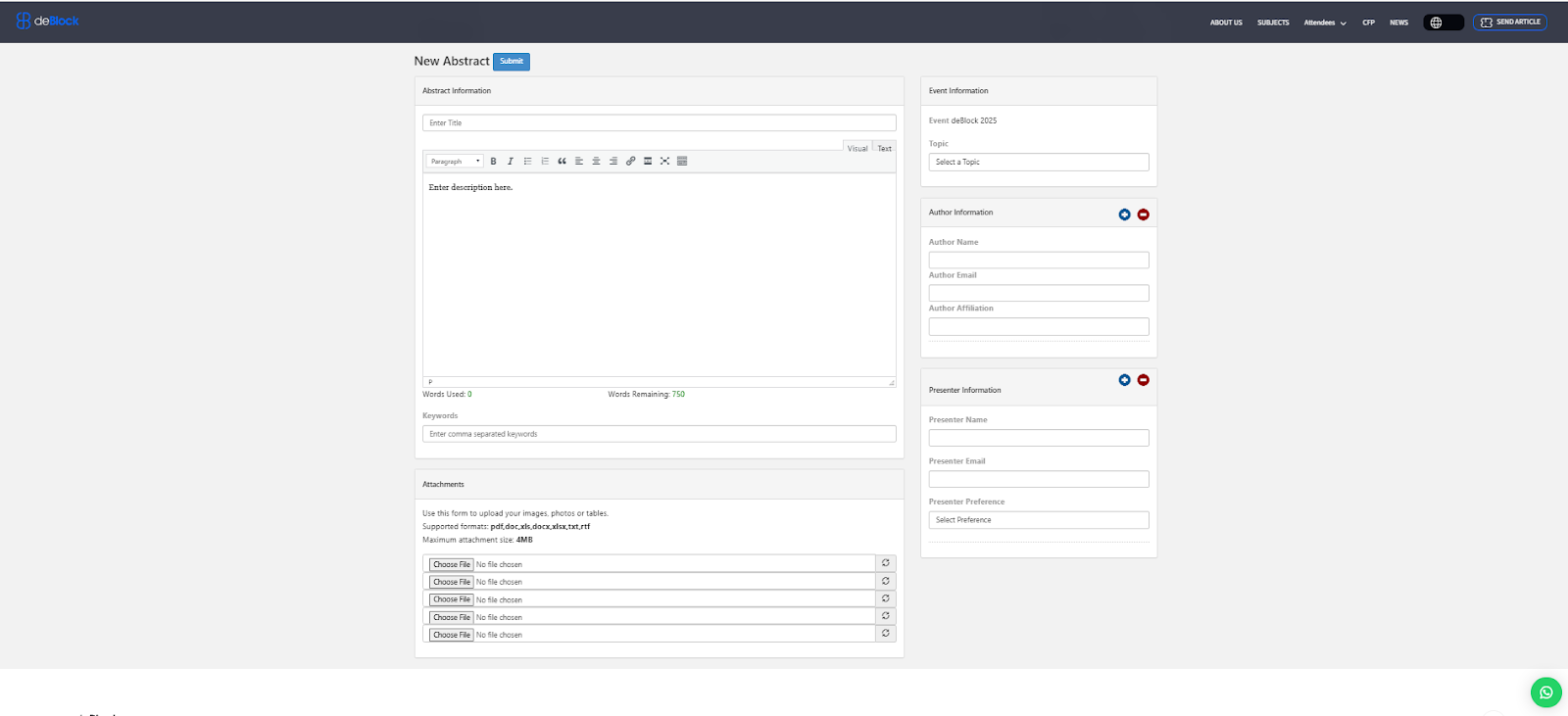
6- At this point, you need to enter information about your paper including the title, keywords, author, university or organization you are representing, and other such information, then click the “Submit” button. At this stage, the introduction file or paper text will reach us, and you should wait for the review to be completed.
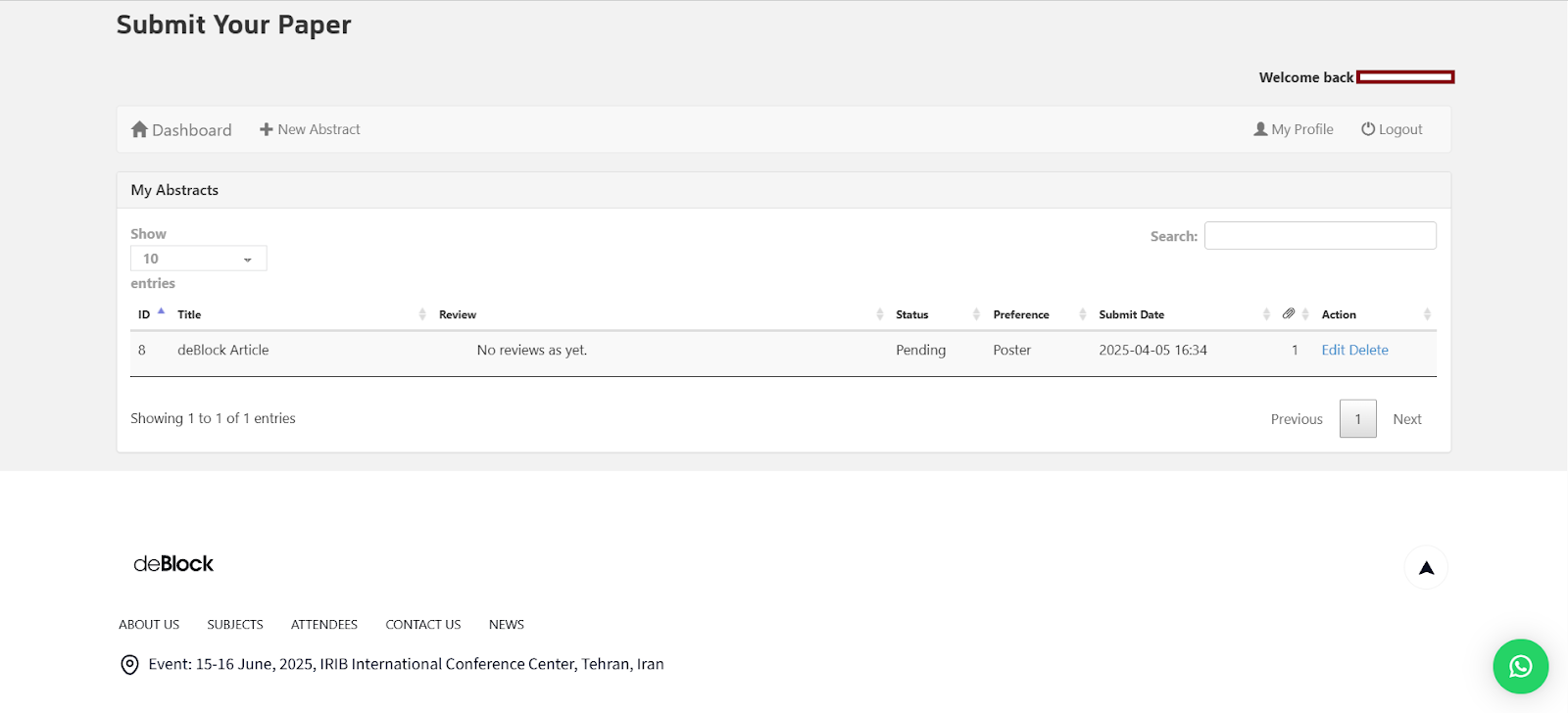
7- After submitting your file, you will be directed to the page below where you have the option to delete or edit your submitted files. Also, at this stage, if you need to send additional files, you can add them.